

business process automation examples
Introduction
Businesses of all sizes are under consistent pressure to operate faster, reduce costs, and deliver better customer experiences. One of the most effective ways to achieve this is through business process automation (BPA). Business process automation software allows organisations to streamline repetitive workflows, reduce manual effort and improve accuracy across teams and departments. Instead of employees spending hours on admin tasks, automated workflows handle these processes instantly, consistently and without complaint! The result is greater productivity, less errors and more time for employees to focus on higher-value work.
To help you get to grips with what BPA could mean for your organisation, we explore 10 real-world business process automation examples that demonstrate how automation can transform everyday operations. These BPA use cases show how companies are applying automation across areas including customer service, finance, HR and IT.

BPA Use Cases
Business process automation refers to using software to automatically complete structured, repeatable tasks that were previously handled manually.
These processes often involve:
- Emails and messages
- Data entry and updates
- Document processing
- Notifications and approvals
- System integrations
With workflow automation software like ThinkAutomation, businesses can design automated processes using simple logic rules. When specific conditions are met, the system performs actions automatically, making it possible to scale operations without increasing administrative workload.

10 Business Process Automation Examples
Below are ten practical automation examples that show how businesses use BPA to improve efficiency.
1. Automated Customer Support Ticket Routing
Customer support teams can receive large volumes of support requests every day, often from multiple sources such as web forms, emails and social media messages. Manually reviewing and assigning these messages can slow down response times and make SLAs hard to meet.
An automation can automatically:
- Read incoming emails
- Identify the query type or product mentioned
- Create a support ticket
- Assign the request to the correct department or person
This reduces response delays and ensures customers receive help faster, keeping them happier.
2. Invoice Processing and Approval
Finance teams often spend significant time processing invoices manually.
A common BPA use case is automating the invoice workflow like this:
- Extract invoice data from emails or attachments
- Validate supplier information
- Send invoices to managers for approval
- Update accounting systems automatically
This improves financial accuracy and reduces payment delays.
3. Employee Onboarding Workflows
Hiring new employees involves multiple administrative steps, including creating HR accounts, sending documents, receiving payroll forms and assigning training.
Automation can trigger onboarding workflows as soon as a new team member is recorded in the HR system.
Tasks can include:
- Creating user accounts
- Sending welcome/onboarding emails
- Assigning training materials
- Scheduling orientation sessions
This ensures every employee receives the same onboarding experience without HR teams needing to manually coordinate each step.
4. Automated Lead Qualification
Sales teams often receive leads from websites, forms, referrals and marketing campaigns.
Instead of reviewing every lead manually, automation can:
- Capture form submissions
- Check company size or location
- Score the lead based on predefined criteria
- Send qualified leads directly to sales reps
- Send relevant initial responses
This helps sales teams focus on high-value opportunities.
5. Order Processing and Confirmation
E-commerce businesses process large numbers of customer orders, sometimes 7 days a week.
Business process automation can:
- Extract order details from emails or forms
- Validate customer information
- Update order management systems
- Send order confirmation emails automatically
This speeds up fulfilment and reduces order processing errors.
6. IT Help Desk Request Management
IT support teams regularly receive requests for password resets, software access and system troubleshooting.
Automation can streamline this process by:
- Automatically categorising IT requests for ease
- Sending common solution information instantly
- Escalating complex issues to the right IT technician
- Logging requests into ticketing systems
This allows IT teams to resolve issues faster while reducing repetitive tasks.
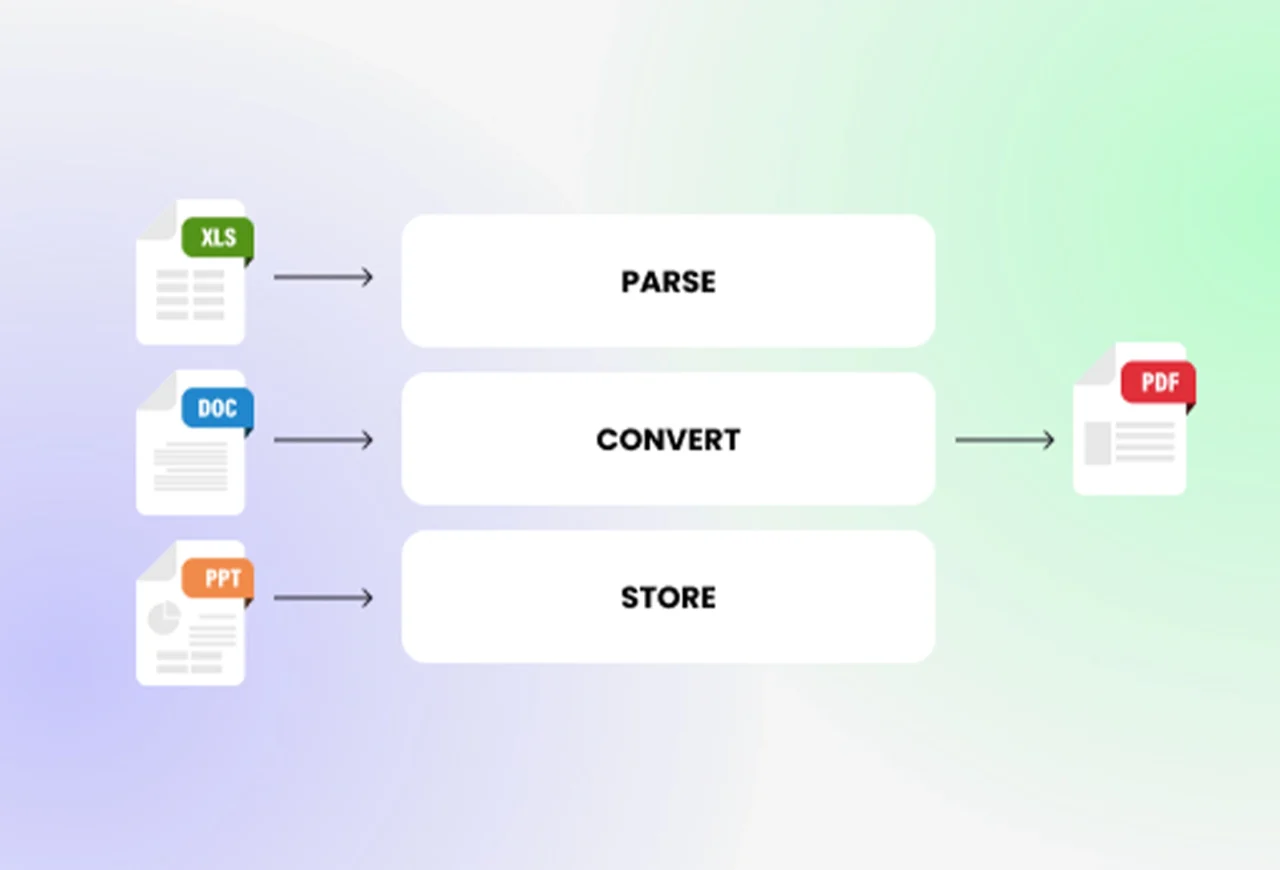
7. Document Processing and Data Extraction
Most businesses receive documents such as contracts, forms, and reports through email.
Automation tools can:
- Identify incoming documents
- Extract key data field contents
- Store the required information in databases
- Trigger follow-up actions or approvals
This reduces manual data entry and also improves accuracy.
8. Customer Feedback Collection and Analysis
Businesses often collect feedback through surveys, emails, or support conversations. Automation can gather this feedback and organise it automatically.
For example, workflows can:
- Categorise feedback by topic
- Identify and highlight negative responses
- Notify managers when urgent issues arise
- Generate summary reports
This ensures customer insights are captured and acted on quickly.
9. Compliance and Audit Reporting
Many industries have to maintain detailed compliance records and regulatory reports, sometimes making them available at short notice.
Automation can help by:
- Collecting data from multiple systems
- Verifying required documentation
- Generating standardised reports
- Alerting teams when compliance deadlines approach
This reduces the risk of missing critical regulatory requirements and requests.
10. Internal Notifications and Alerts
In many organisations, important updates must be communicated across multiple teams. Automation can trigger notifications when specific events occur.
For example:
- Sales teams are alerted when new leads arrive
- Finance teams are notified when invoices are approved
- Managers are alerted when service levels fall below set targets
These automated alerts ensure teams stay informed without manual system monitoring being necessary.

Why Businesses Are Increasingly Adopting BPA
The value of business process automation becomes very clear across this range of examples.
Companies benefit from improved efficiency, automated workflows completing tasks instantly, reduced human error and consistent process performance.
Scalability: Businesses can handle higher workloads without increasing administrative staff.
Better customer experiences: Faster responses and improved service reliability improve customer satisfaction.
Cost savings: Automating repetitive work allows organisations to use their resources more effectively.
How ThinkAutomation Supports Business Process Automation
Platforms like ThinkAutomation allow organisations to build flexible automated workflows that integrate with existing systems. Using simple “if-this-then-that” (ITTT) logic, companies can automate tasks across:
- Email processing
- CRM and databases
- Customer service systems
- Document handling
- Notifications and alerts
This allows businesses to implement the business process automation examples outlined up above without the need for complex development or large IT projects.
In summary, automation is transforming how modern organisations operate. By eliminating repetitive manual work, businesses can increase productivity, improve accuracy, and scale operations efficiently.
The real-world business process automation examples described in this article demonstrate how BPA is already improving workflows across company departments including finance, HR, sales, and IT. As technology continues to evolve, companies that adopt automation early will be better positioned to adapt, grow, and compete in increasingly fast-paced markets.
For organisations looking to improve efficiency and streamline operations, implementing the right BPA use cases is often the first step toward building smarter, more resilient workflows with excellent results.
Read our complete guide to business process automation software for a deep look at the tools and platforms that make BPA happen.